



Wishlist
Ideas live in the project's Discussions. Anyone with a GitHub account can post one or vote for one. The most wanted ideas are what gets built next.
Made for galleries, libraries, archives, and museums
Digital Collections Explorer is an open-source platform for exploratory search over digital collections with visual features. Point it at a folder or an S3 bucket, and in a few steps you have a website where visitors search in natural language or with an image, even when the collection has little or no descriptive metadata.
Who it is for
Manual cataloging does not scale to millions of items, so many digitized and born-digital collections lack basic descriptive metadata, or have it for some items and not others. Search here compares a visitor's words with what the images show, and reads the catalog wherever there is one.
Thousands of scans named IMG_2041.jpg. Point it at the folder and visitors can search them the same afternoon.
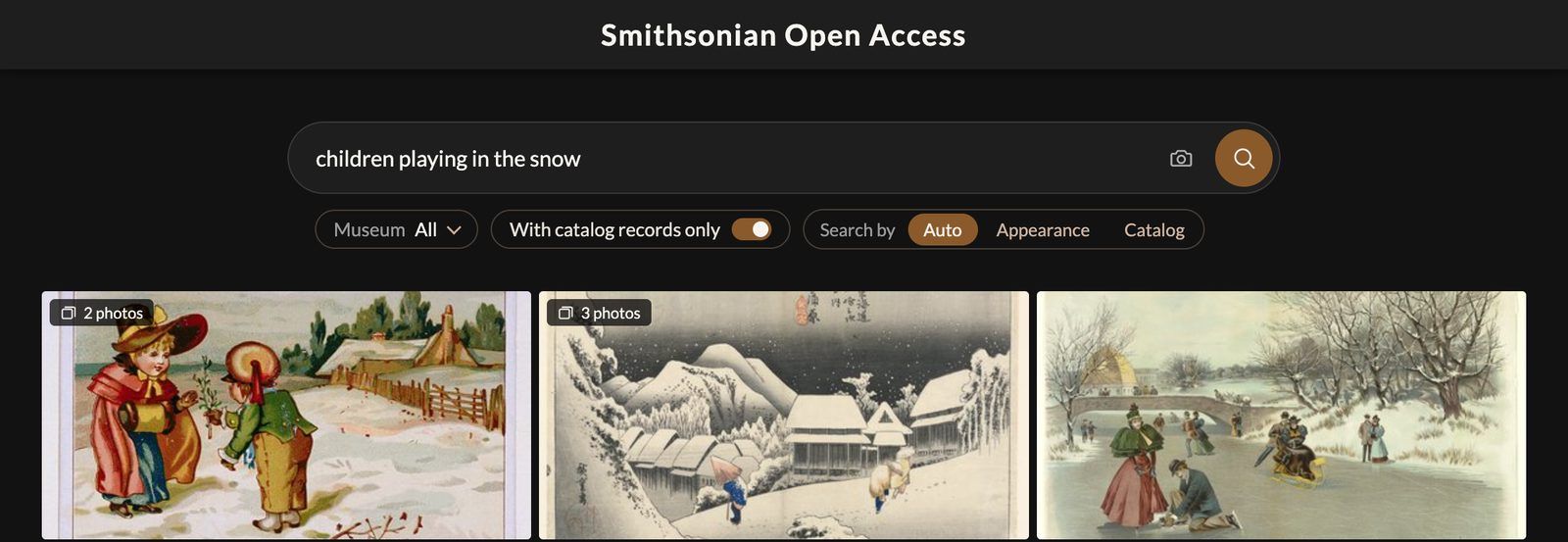
Search by what is drawn rather than what the title says, and open a large sheet in deep zoom.

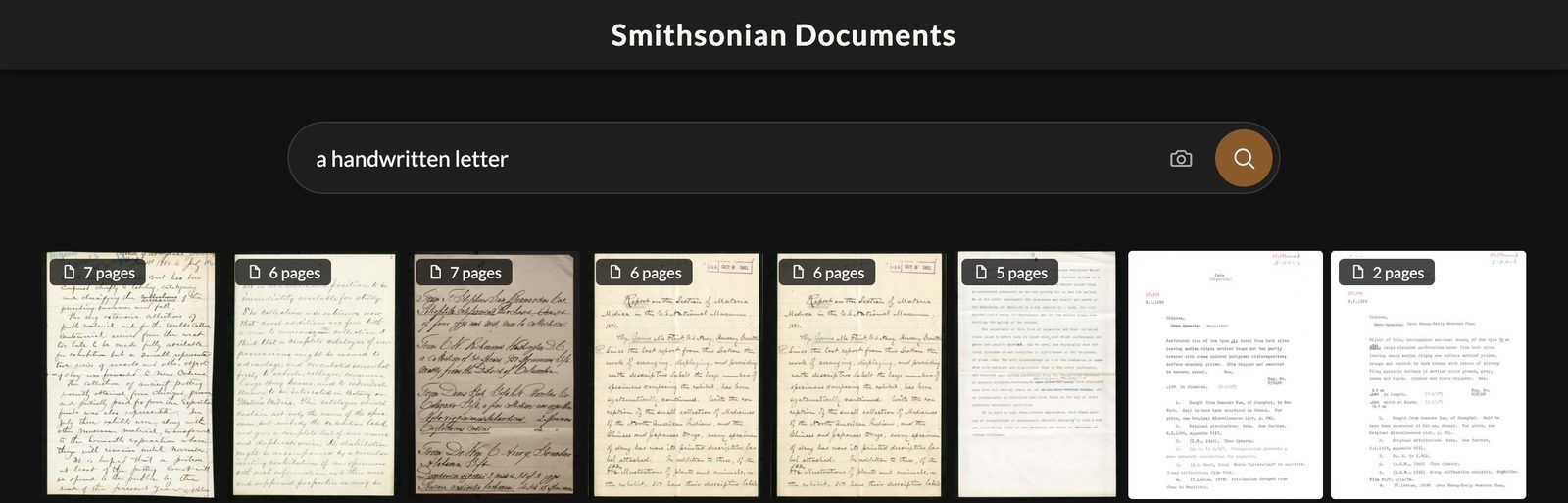
PDFs are indexed page by page and searched by what each page looks like, so handwriting, diagrams and forms are found without OCR.
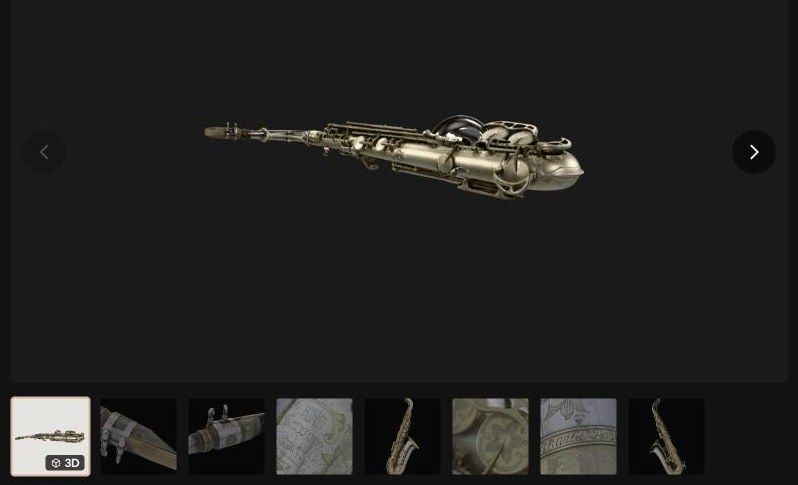
Visitors turn the model on the object's page. Views drawn from it are searched with the photographs, and similar shapes are a click away.
How it works
A folder, an S3 bucket, or a parquet manifest of images and their catalog. A profile of the collection first shows what it holds, what the site will do with it and what indexing will cost.
An open multimodal model embeds every image on a machine you control. No image is sent to an external API.
Visitors search in natural language or with an image, across photographs, maps, documents and 3D models. Where a catalog exists, search weighs what the images show against what the records say, and tells the visitor how it read the query.
Showcase
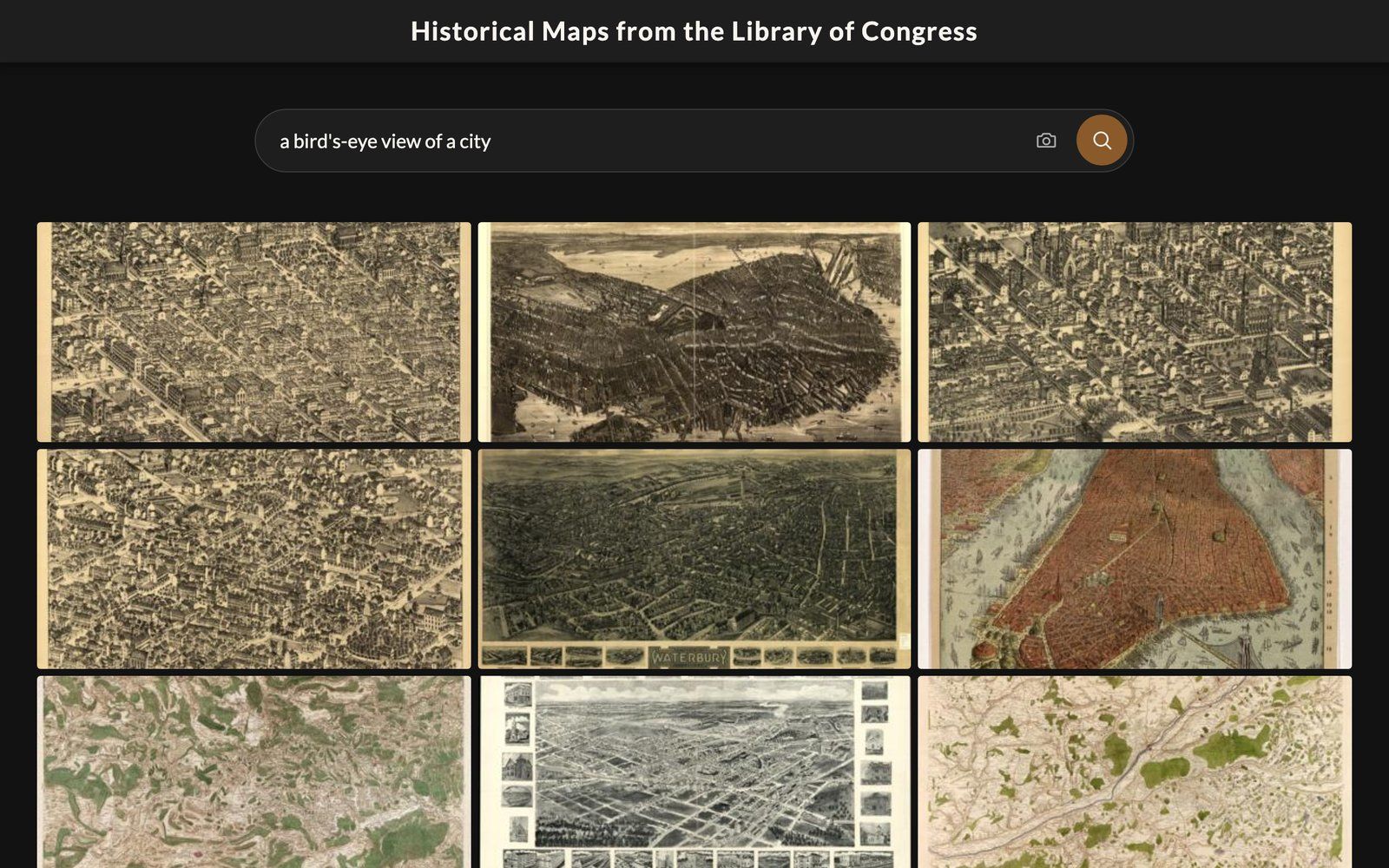
562,842 map sheets, from fire insurance maps to city views and charts, searched by what is drawn on them.
Try
Agentic search
Every site comes with its own MCP server. Connect Claude, ChatGPT or any other agent that speaks the Model Context Protocol, and it can search the collection on its own: run searches, follow similar objects, and link each answer to the object's page on your site.
Get started
Ask Claude Code, Codex, Gemini CLI or Cursor to make your collection searchable.
One command builds the index, another serves it.
One command keeps a site running. On AWS it shows the cost first.
Community
Help decide what comes next.
Ideas live in the project's Discussions. Anyone with a GitHub account can post one or vote for one. The most wanted ideas are what gets built next.
Cite